
ArgoCD : add Rancher clusters to integrate the GitOps approach!

After sturggling with numbers of troubles trying to add a new Rancher cluster on ArgoCD, we wanted to give you our way to do it in few seconds without any worry !
Create / use a Rancher integration user
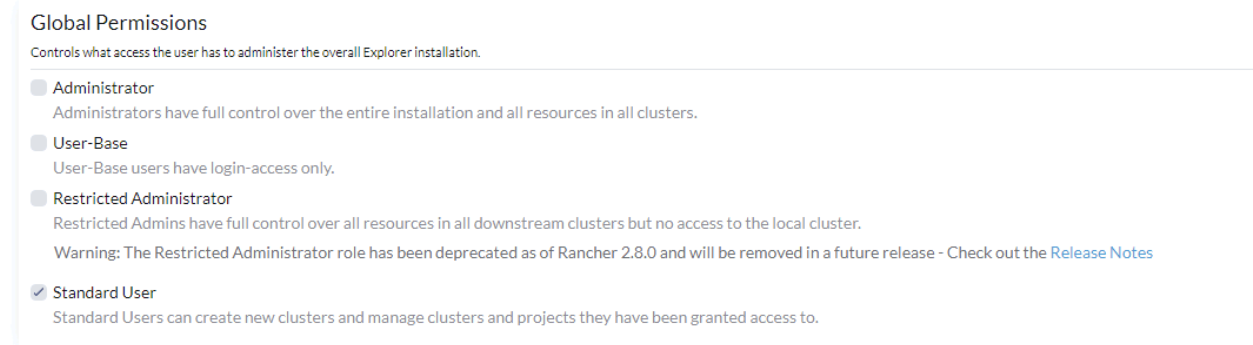
First, you need to create a user in Rancher ('user and authentication' menu > create new user) and give him the standard user role in the Rancher cluster.
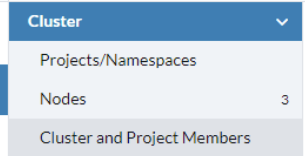
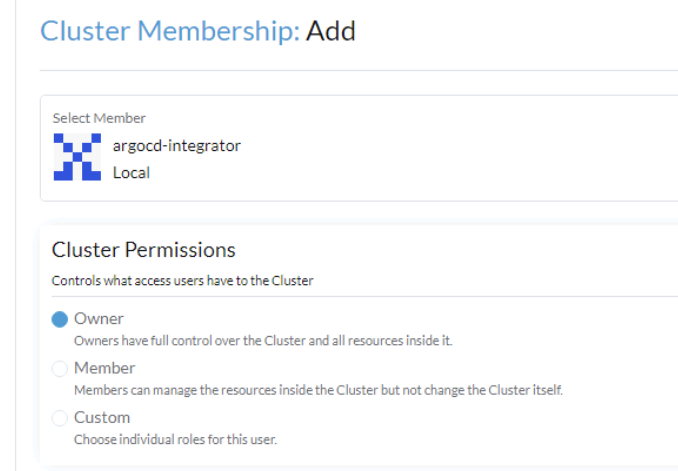
Now, you need to add the 'cluster owner' role to this new user on the cluster you would like to add. Go to the cluster parameters > cluster and project members.
Then add the correct right
When it's done, you can create the bearer token for this new user . First disconnect from Rancher and connect to the web interface with the newly created user.
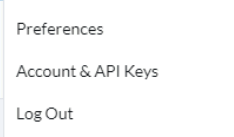
Then, click on the user icon on the top right of the page and go to "Account & API keys"
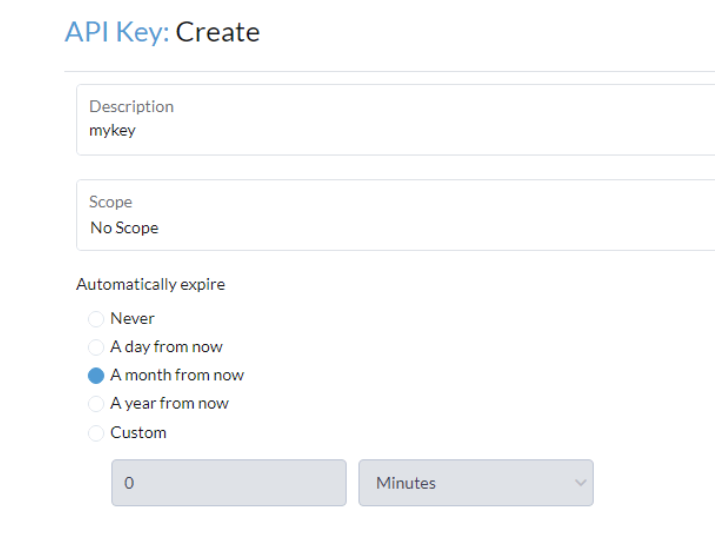
Now, create the api key that ArgoCD will use to deploy resources on the cluster through the user.
Get the config
Then, connect to your Rancher web interface and get the kubeconfig file of your "destination" cluster (the one you would like to add in ArgoCD).

When you have the file, get the following info from it :
caData : the certificate authority used to connect to your cluter
cluster: the URL to connect to the cluster
Add the cluster to argo
Now, we need to add a secret in our argoCD namespace and add the token, tls configuration and URL of the server, previously taken from the Kubeconfig file.
kind: Secret
data:
  # Within Kubernetes these fields are actually encoded in Base64; they are decoded here for convenience.
  # (They are likewise decoded when passed as parameters by the Cluster generator)
  config: "{'bearerToken':{'token-xxxxxx'},
           'tlsClientConfig':{'insecure':'false',
                               'caData':'xxxxxxx'}}"
  name: "your-newcluster"
  server: "https://yourrancherdomain.com/k8s/clusters/c-m-xxxxxxxx"
metadata:
  labels:
    argocd.argoproj.io/secret-type: cluster
Add this secret and go on your argoCD interface and you'll see that your cluster was added ! You can now start to synchronize Git / helm charts on it!